

Slack
Sync messages and threads from selected Slack channels so your Team Agent can answer recurring questions based on past conversations.
How it works
Runbear connects to your Slack workspace via OAuth and indexes messages from the channels you select. The agent searches this conversation history at query time, so it can answer questions that have already been discussed in Slack — without anyone needing to dig through old threads.
Runbear periodically checks for new messages and updates the index automatically.
Setup
- Open your agent in the Runbear dashboard and go to the Tools tab.
- Click Add Knowledge Base and select Slack.
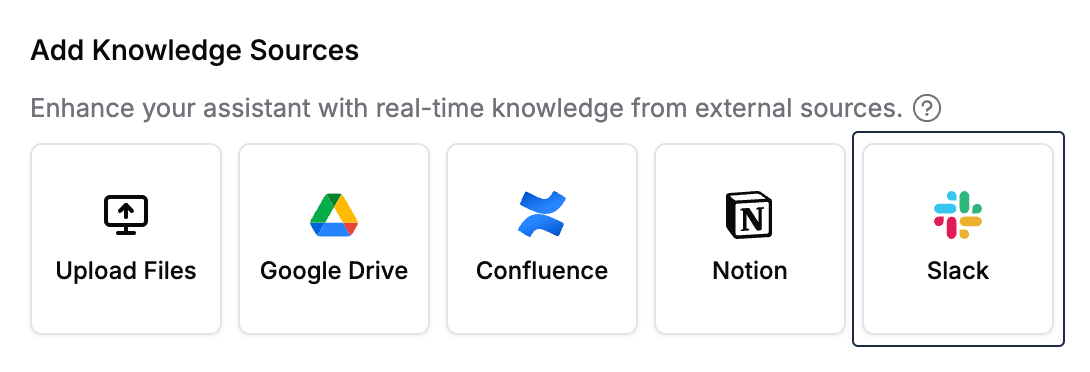
- Click Connect Slack — authorize Runbear to access your workspace.
- Select which channels to sync. You can optionally set a start date to limit how far back the sync goes.
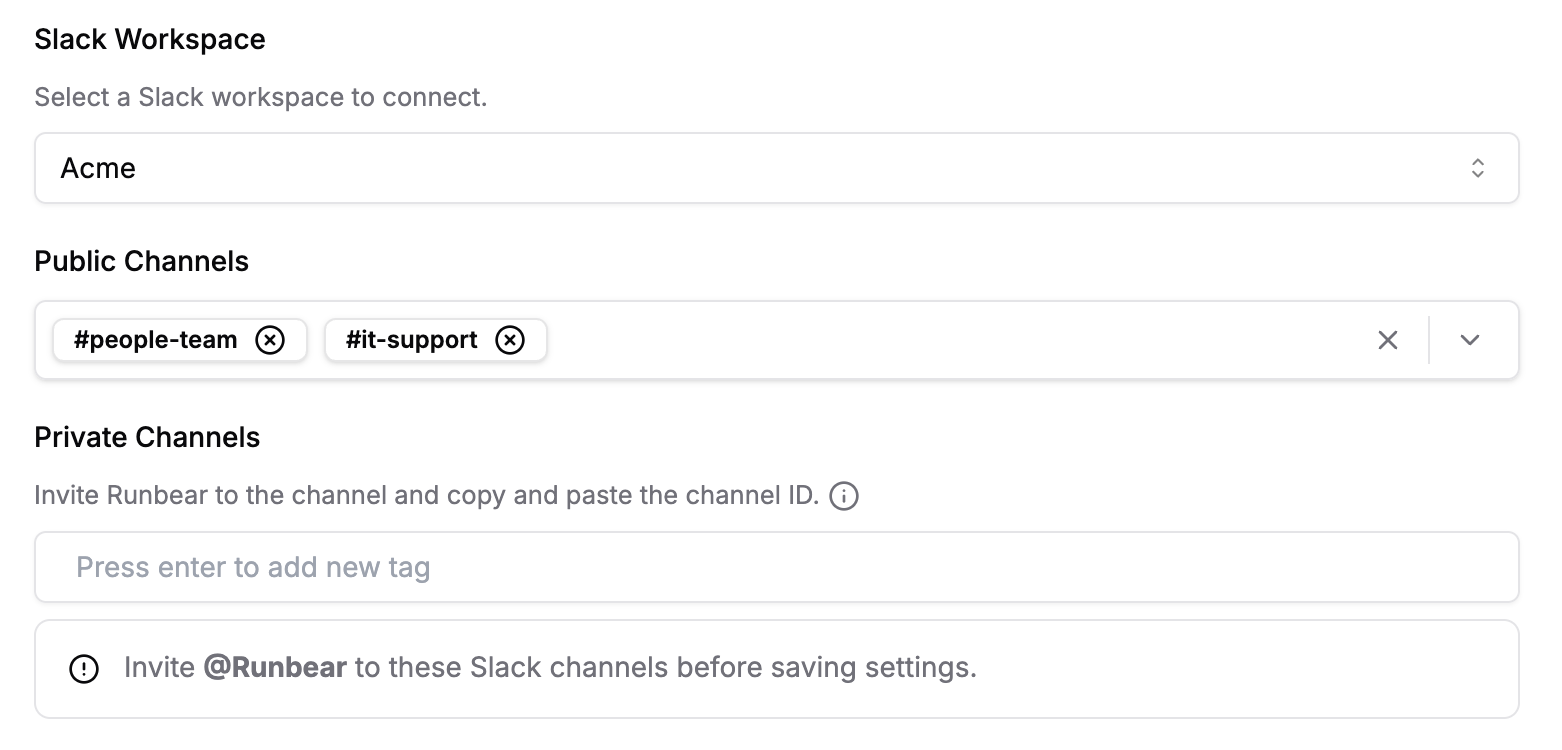
- Click Save. Runbear begins the initial sync.
Connect only the channels that are essential for your agent to answer questions. Fewer, more relevant channels lead to more accurate responses.
What gets synced
- Messages and threads from the channels you select
- New messages are picked up automatically on each sync cycle
- Deleted messages are removed from the index
Sync timing
The initial sync time depends on the volume of messages in your selected channels. Subsequent syncs are incremental and much faster.