

Team AgentChatbots
HubSpot
Deploy your Team Agent in HubSpot to assist with customer conversations directly in your inbox. The agent reads incoming messages and posts responses using your connected tools and knowledge bases.
Setup
- In the Runbear dashboard, open your agent and go to the Chatbots tab.
- Click Connect on the HubSpot tile.
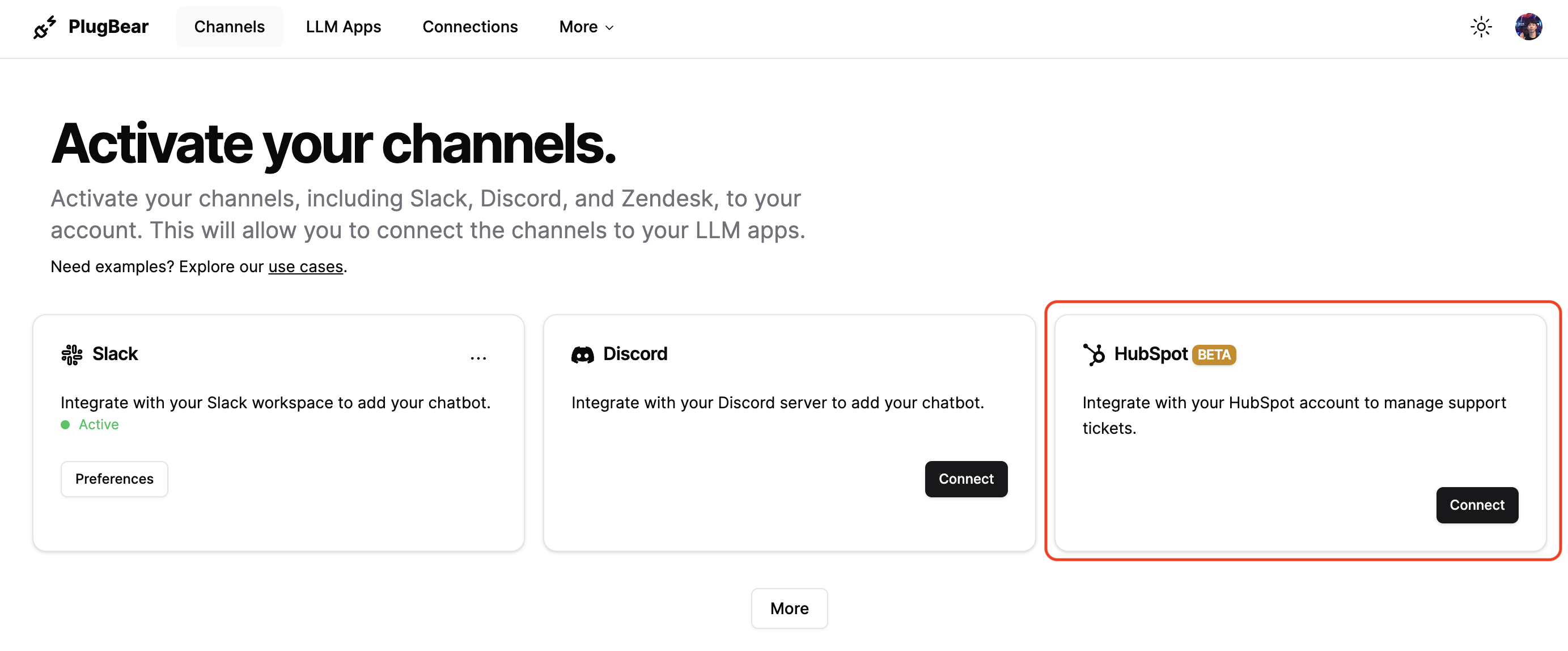
- Log in to your HubSpot account.
- Select your HubSpot account. If you only have one account, this step is skipped automatically.
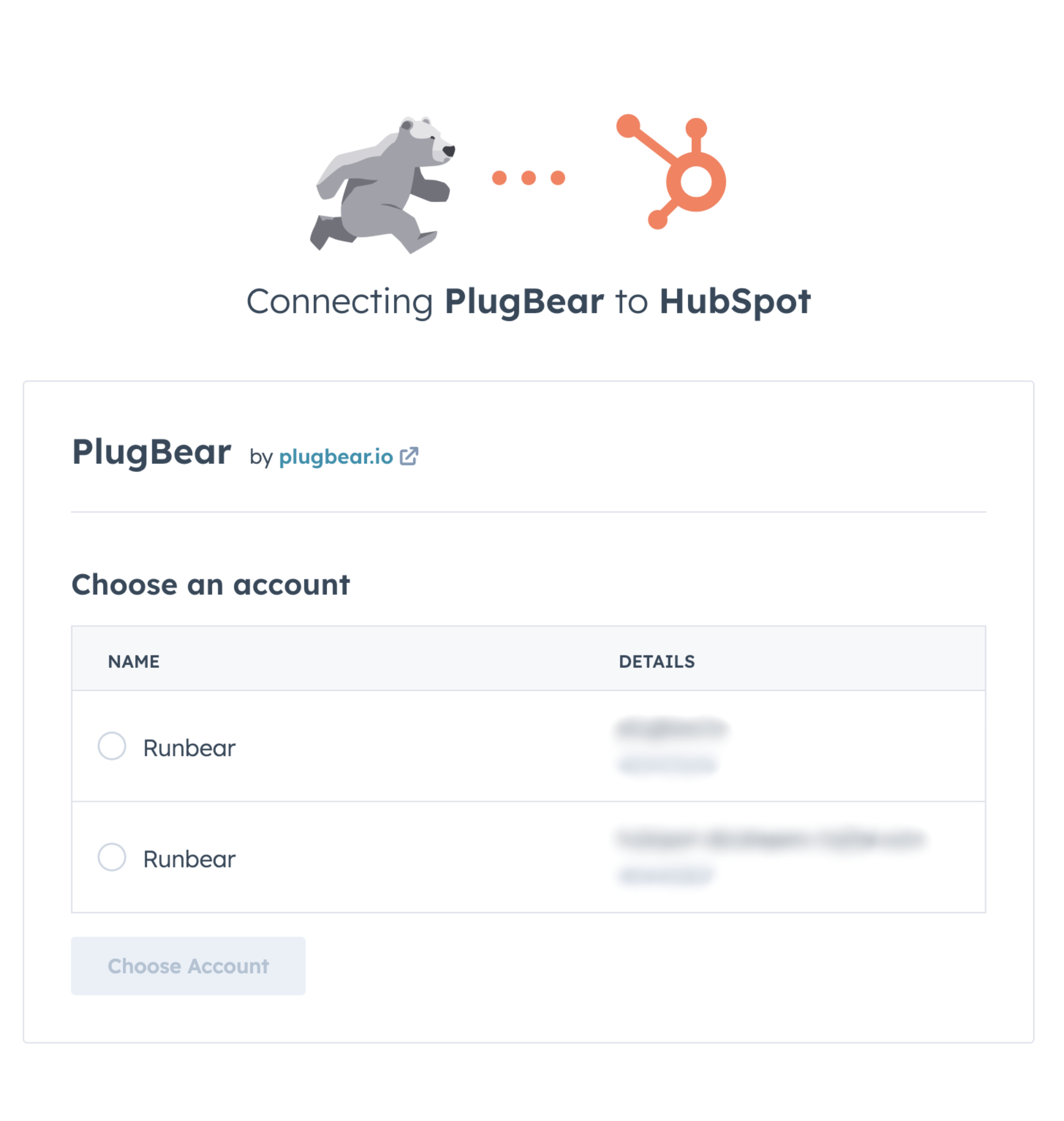
- Review and approve the required scopes and permissions.
- Back in the Runbear dashboard, enter a name for the account and click Add.
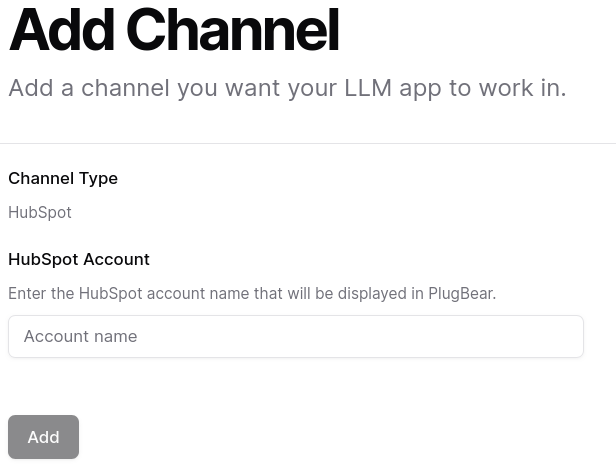
The integration is now complete. Your agent will respond to conversations in the connected HubSpot inbox.
Disconnecting
- In the Runbear dashboard, go to the Chatbots tab, click the more options menu on the HubSpot tile, and select Deactivate.
- To fully remove Runbear from HubSpot, go to Settings > Integrations > Connected Apps in HubSpot and uninstall Runbear.